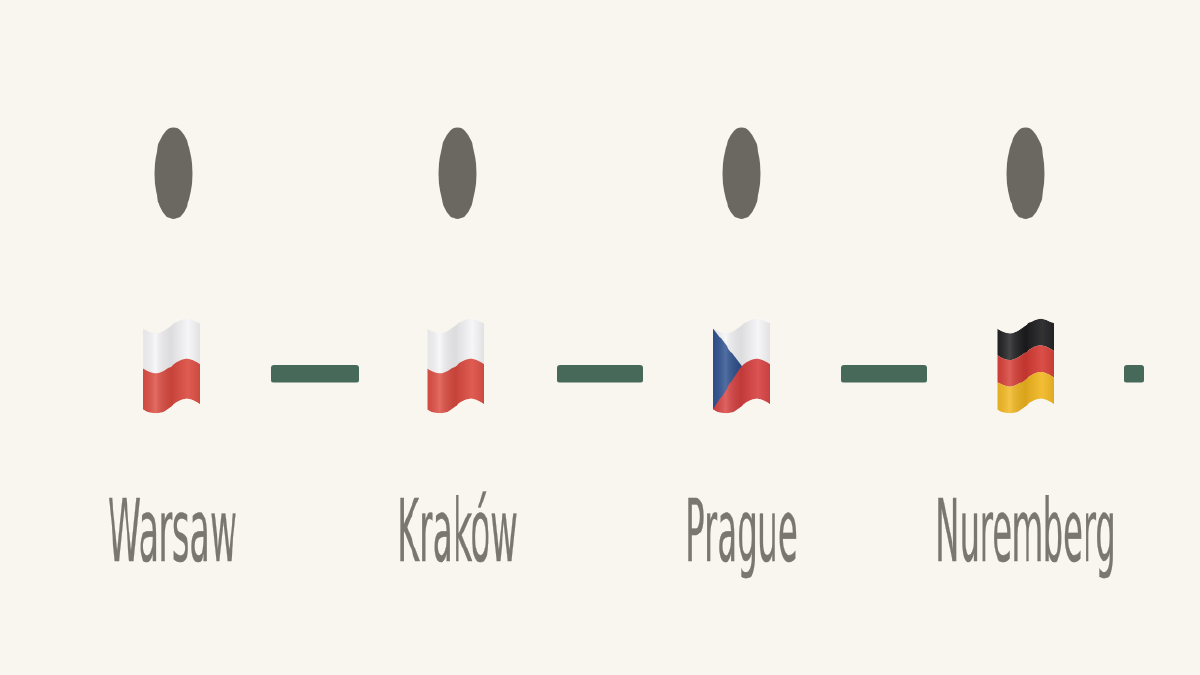

After weeks of planning, I set off on my first ever solo backpacking trip across Europe to escape the Victorian winter and explore the European summer. I planned this trip under the philosophy “know where I’m sleeping and how I’m getting to the next city, but day to day keep things fluid”.
The problem #
After the first week in Poland though, I found I was digging through multiple apps and documents to find the information I needed. This was quite like a problem I have seen many times in my technical career: the data is available, but it’s in multiple places and there is no single unified view.
I decided that my main problem was twofold:
- I wanted to have my trip related information at hand in a single place
- I wanted something that kept me to my budget of $3,000 AUD in spending money.
Planning on the run #
So onboard the train from Krakow to Prague I decided to spin up Claude to assist me in staying organised on my travel.
As I discussed the current state situation with Claude, I ran into my first hurdle: how was I going to get data out of my Revolut travel card? Their APIs don’t let anyone just connect and pull data. After some back and forth we landed on a separate input screen, as I was also holding cash that needed to be counted.
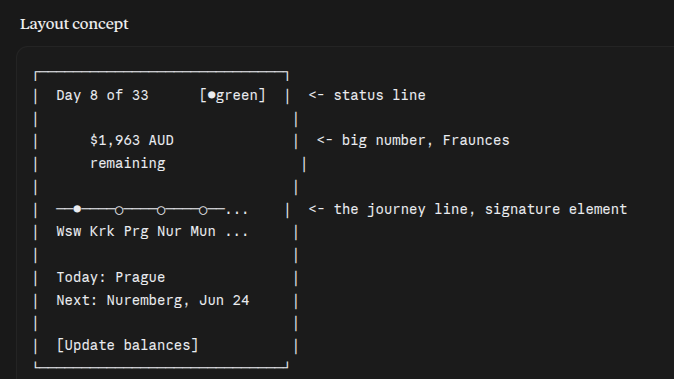
After this I just wanted a simple traffic light indicator of how my finances were going. I went back and forth on making the design a bit more clever by calculating the cost of each country, but eventually I went with something more straightforward.
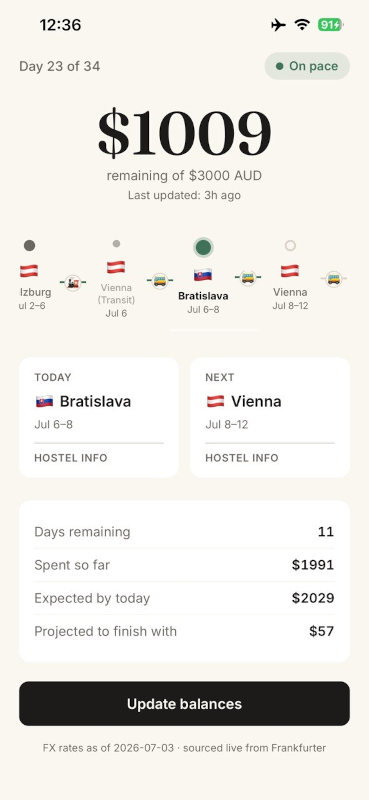
I had a budget of $3,000 AUD for the trip, which worked out to roughly $90 AUD per day, and the question became: based on my remaining days and my current balance, am I in trouble or not?
Using it, and what was missing #
Once I had the initial screen developed and was using it for a day or two, I instantly surveyed the design and new questions began to spring to mind:
- Where are the dates for time in each country?
- What’s the address of the hostel?
- Is there a kitchen at my next hostel? Laundry on site?
- What time can I check in/check out?
- Is it a train or bus to my next city? When and where does it leave?
This began the next evolution of the app. So I found a coworking lab in Prague, ordered a double espresso, and got to work building features to answer these questions.
I gave Claude access to my Google Sheets data of the trip route, travel tickets for my train and bus rides across Europe, and information on where I was staying.
Again I ran into a hurdle while using the Claude browser extension to scrape data from Booking.com, so I switched to Hostelworld.com to scrape the facility information I was after. Given this was just a one-off data scrape, I saw the Claude Chrome extension as the best way to grab the data I needed reliably.
How it works #
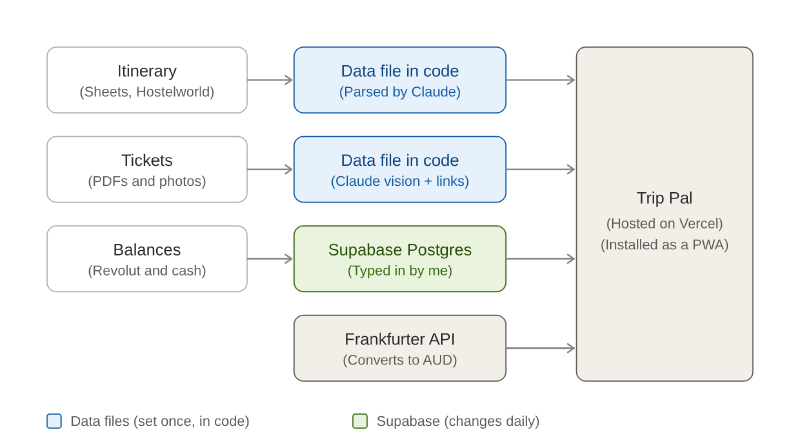
Trip Pal pulls together three kinds of data, and the main decision was matching where each one lived to how often it changed.
The itinerary and hostel details were set once everything was booked, so they live in the code. I dumped my Google Sheet into Claude and had it turn it into a data file, then used the same chat to pull facilities from Hostelworld. The tickets were PDFs and photos, which Claude read and turned into a second data file, with links to the original files so I could pull one up for an inspector on the train.
My balances were the opposite. My Revolut balance and my cash in each country changed constantly, so those sit in a Supabase table, and the Frankfurter API converts everything into AUD for the home screen. The app is hosted on Vercel and I launched it on my phone as a PWA, so it behaved like a normal app.
How it turned out #
Claude’s first layout concept was good, and the journey line was in it from the start. What made the app better came from using it: the timeline scrolling to my current day, the dates under each flag, and the hostel and travel information. The scaffolding came quickly. The experience came from living with it and tinkering as I went.